Android · Free, with optional Premium · No account · Files never uploaded · Free with a few ads, Premium has none · Version 0.1.0
Every file, one place
Phone, SD card and USB drive — copy, move, zip, share, and a 30-day Recycle Bin.
Recovers and repairs
Deleted files back; broken videos, PDFs and photos fixed.
Scans documents
Straightened, cleaned, saved as PDF, Word or text — free.
Private by design
No account, nothing uploaded. Vault, file locking and app lock.
Nine languages
English, Chinese, Hindi, Spanish, French, Arabic, Bengali, Portuguese and Russian.
/ What it is
What is Dr. File?
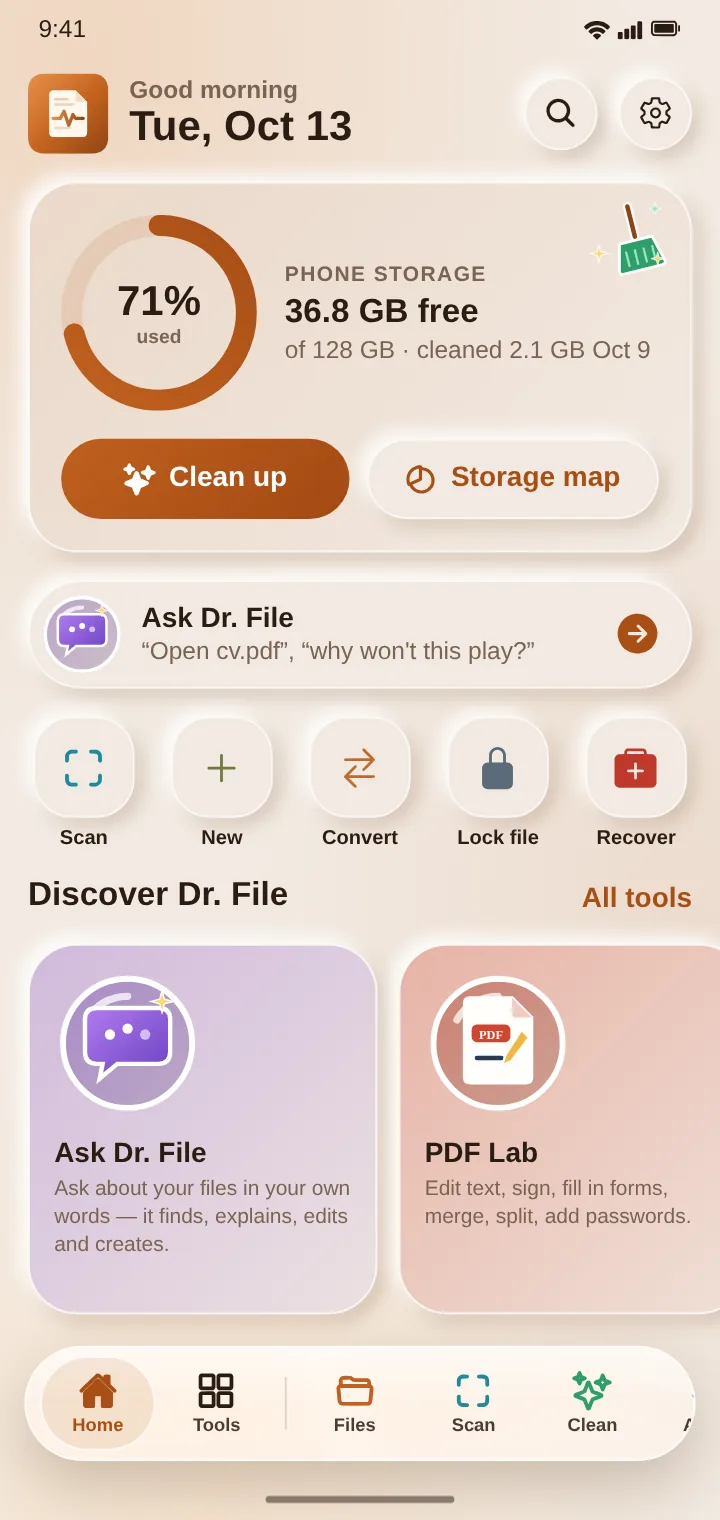
Dr. File is one app for everything to do with the files on your phone. Browse every folder, SD card and USB drive; find a file by what it says, not just its name; free up space; and send files to a computer or another phone over Wi-Fi, with no cable and no internet.
When something goes wrong it's the doctor: it gets back deleted photos, videos and documents, repairs videos, PDFs and pictures that won't open, and finds the files on your phone that are broken. Its labs edit PDFs (even the text of scanned pages, in their own font), photos, video and sound, and its scanner turns paper into clean PDFs and editable Word documents.
Everything happens on the phone itself. There's no account, and your files, their contents and what Dr. File reads in them are never uploaded. Dr. File AI runs on the phone too.
/ A look inside
See Dr. File
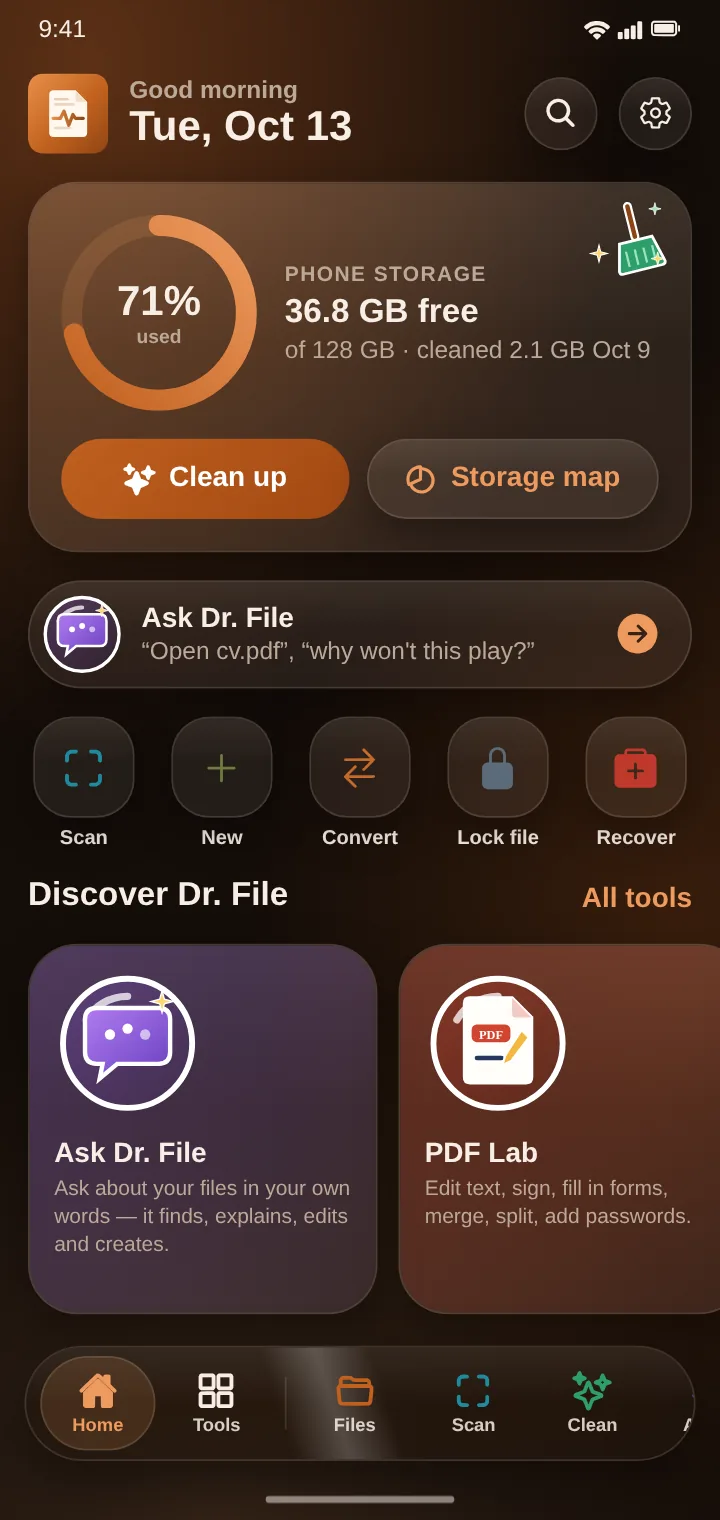
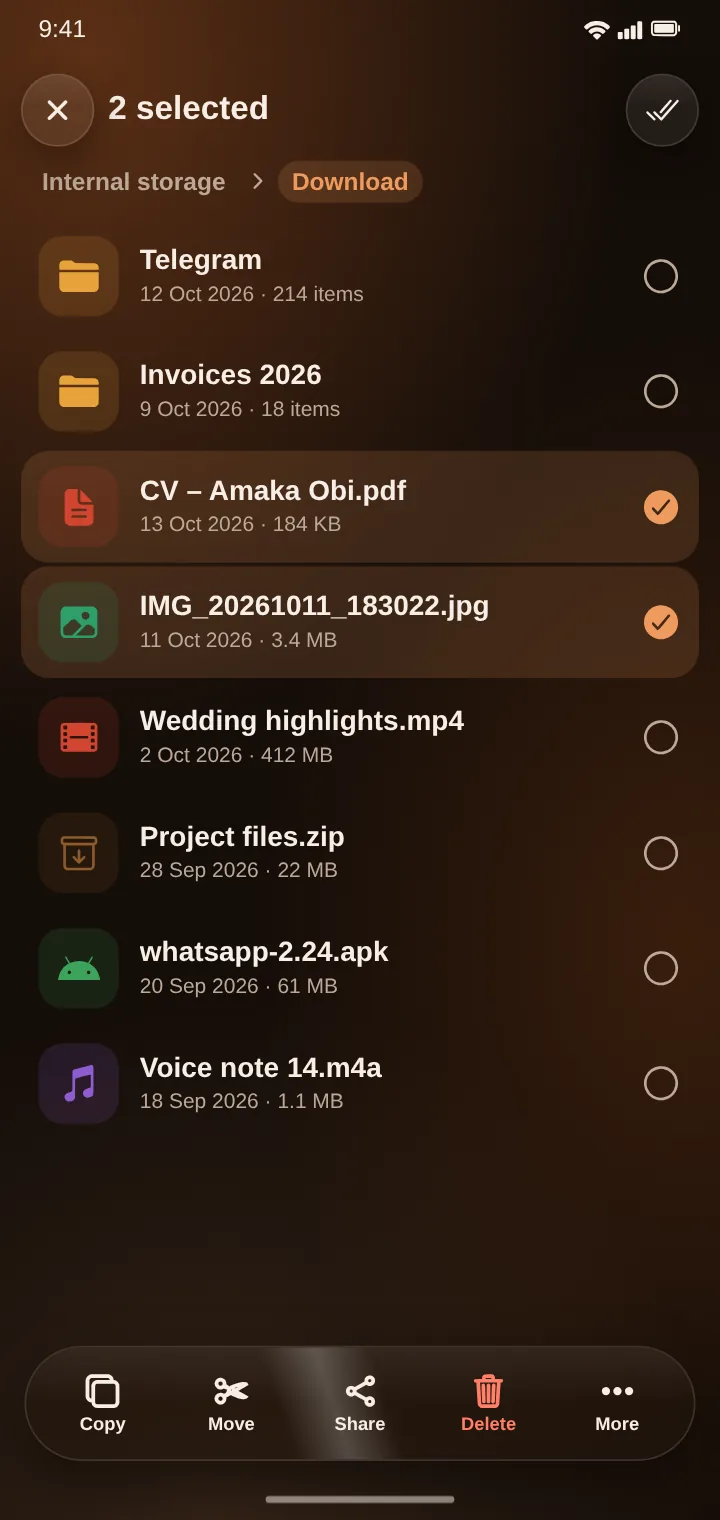
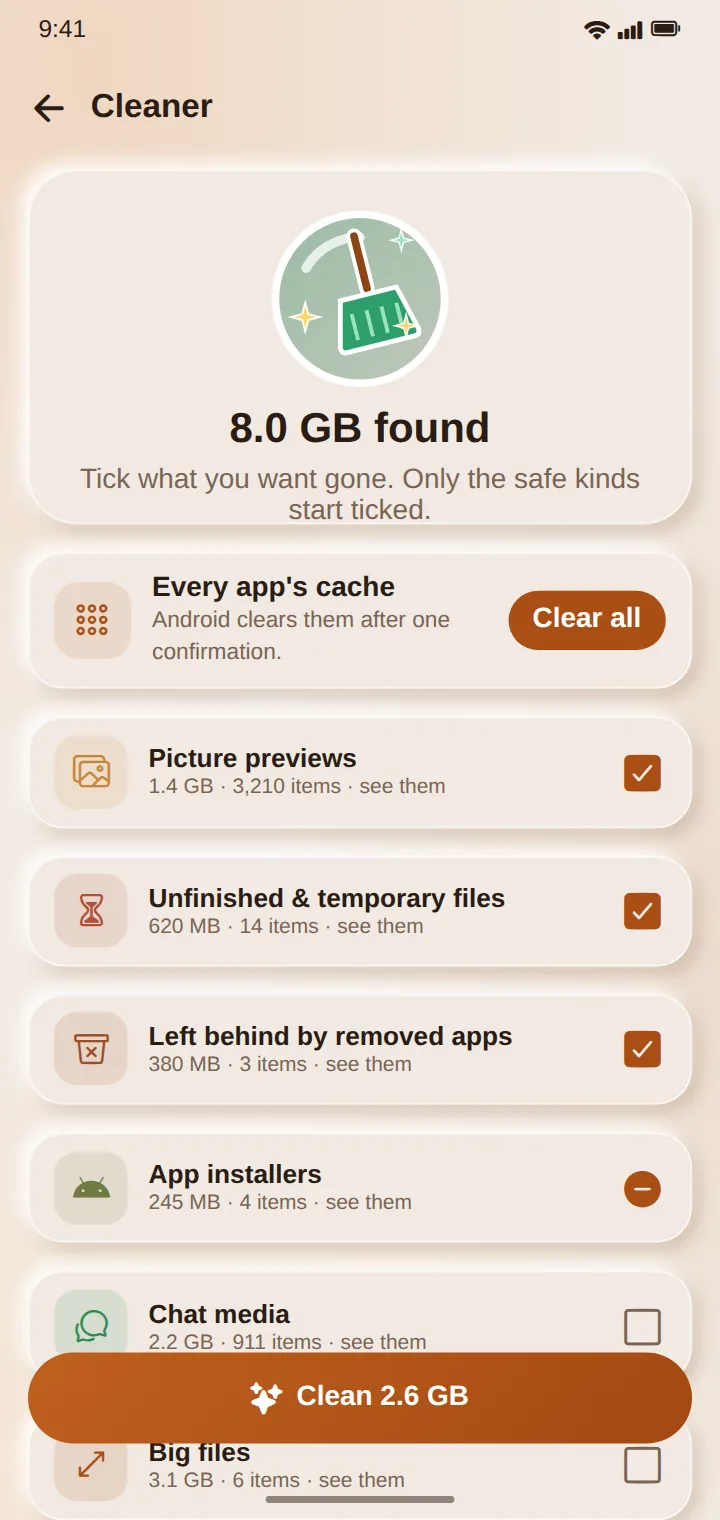
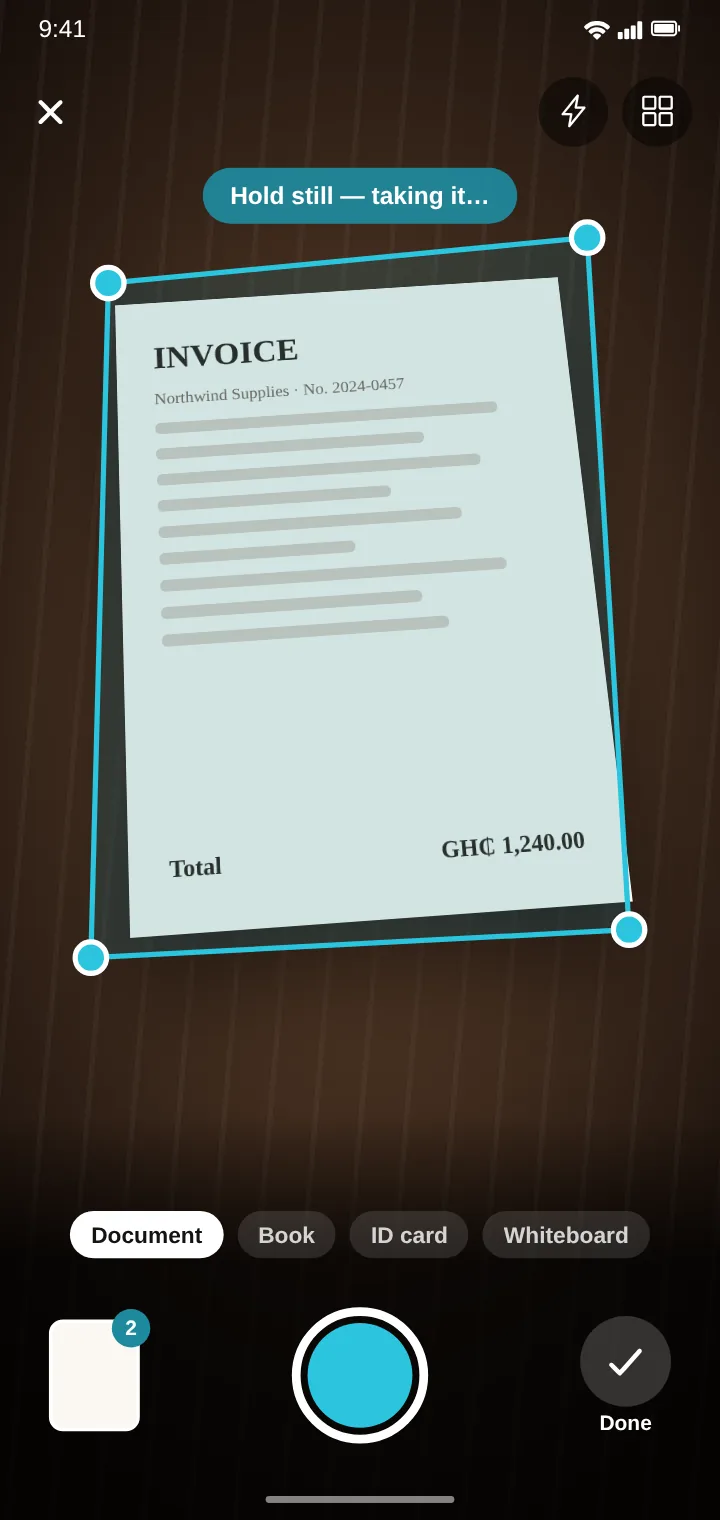
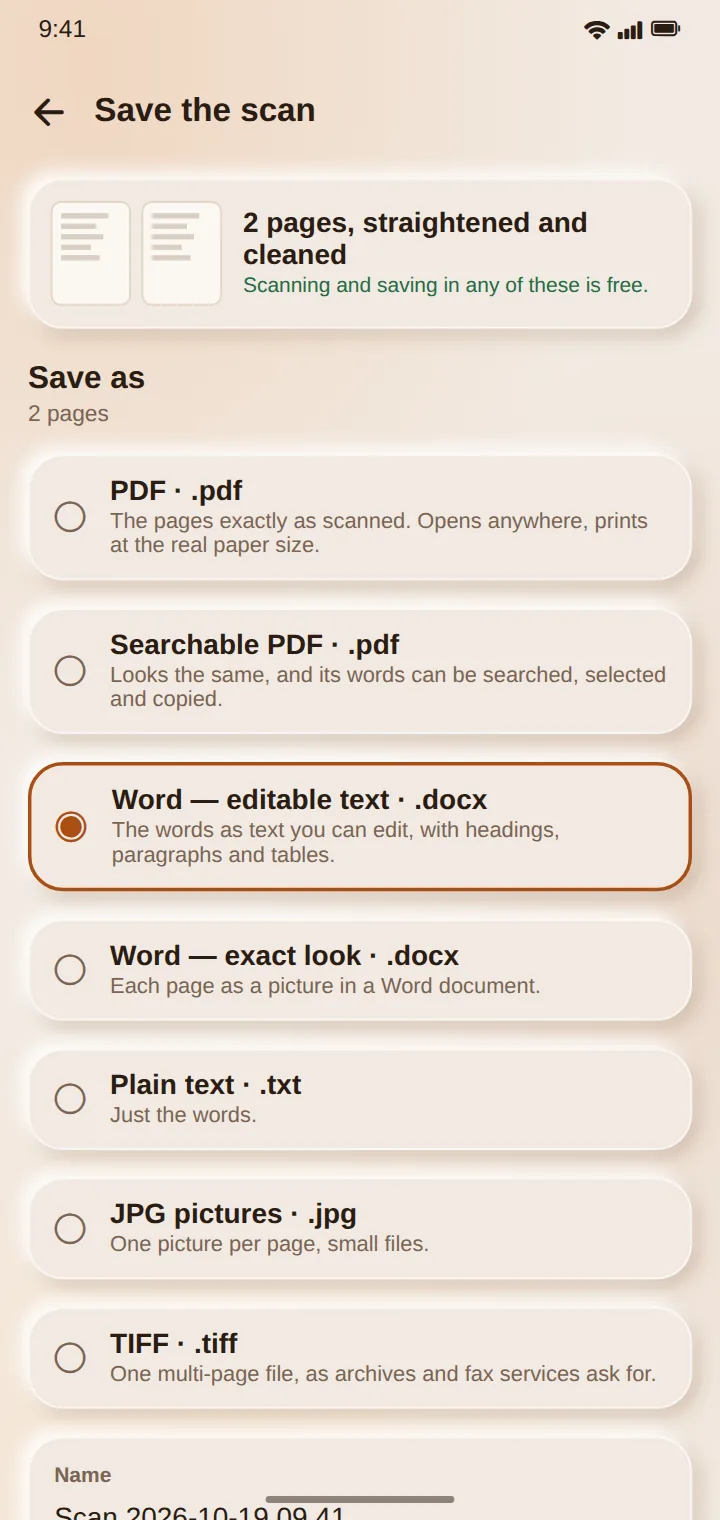
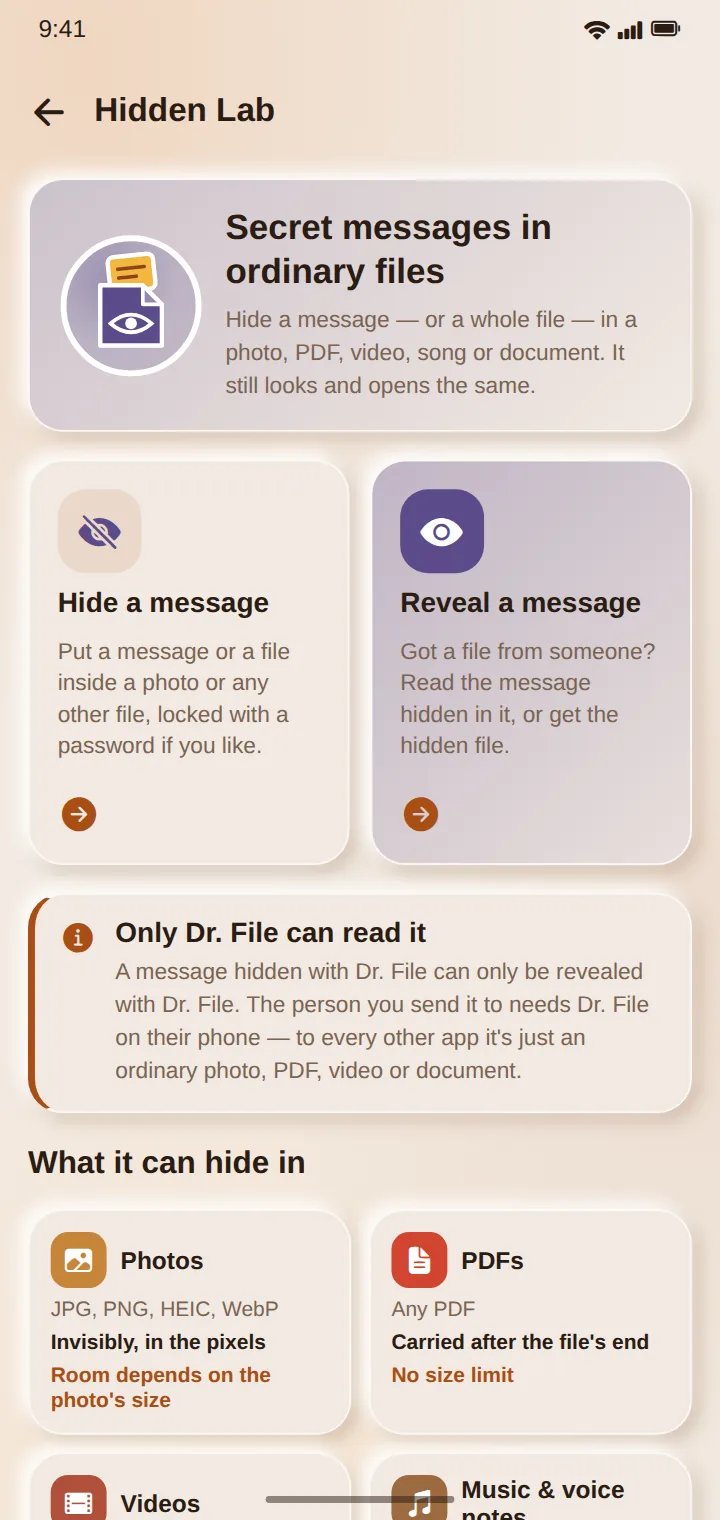
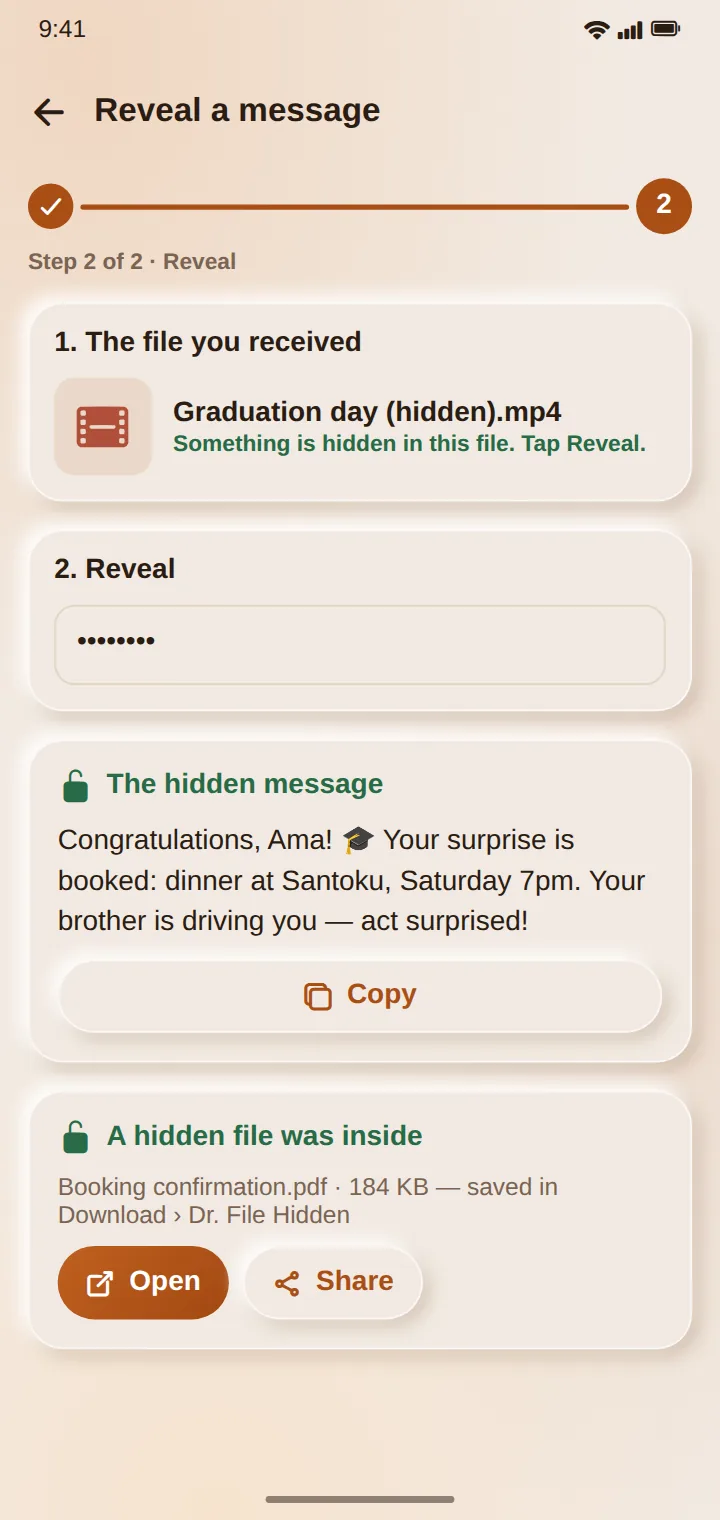
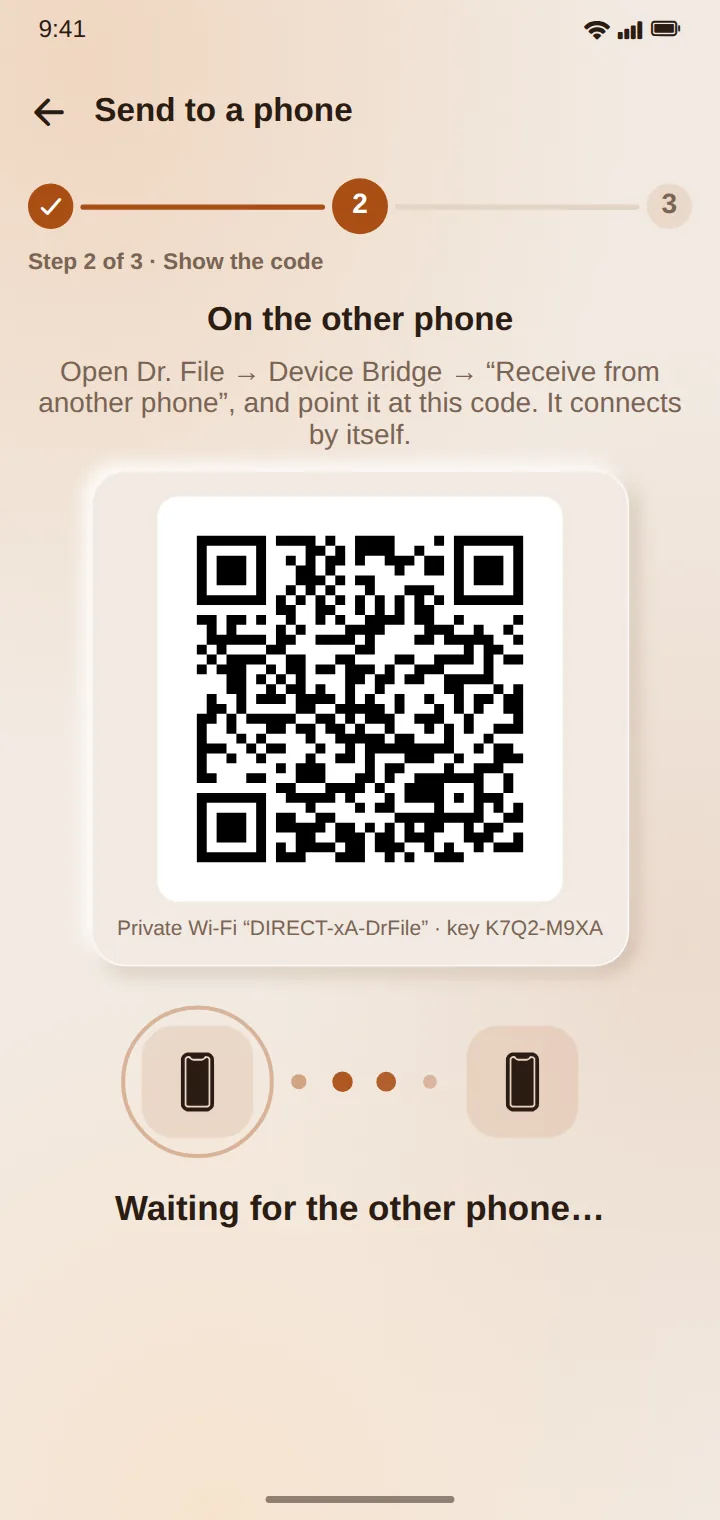
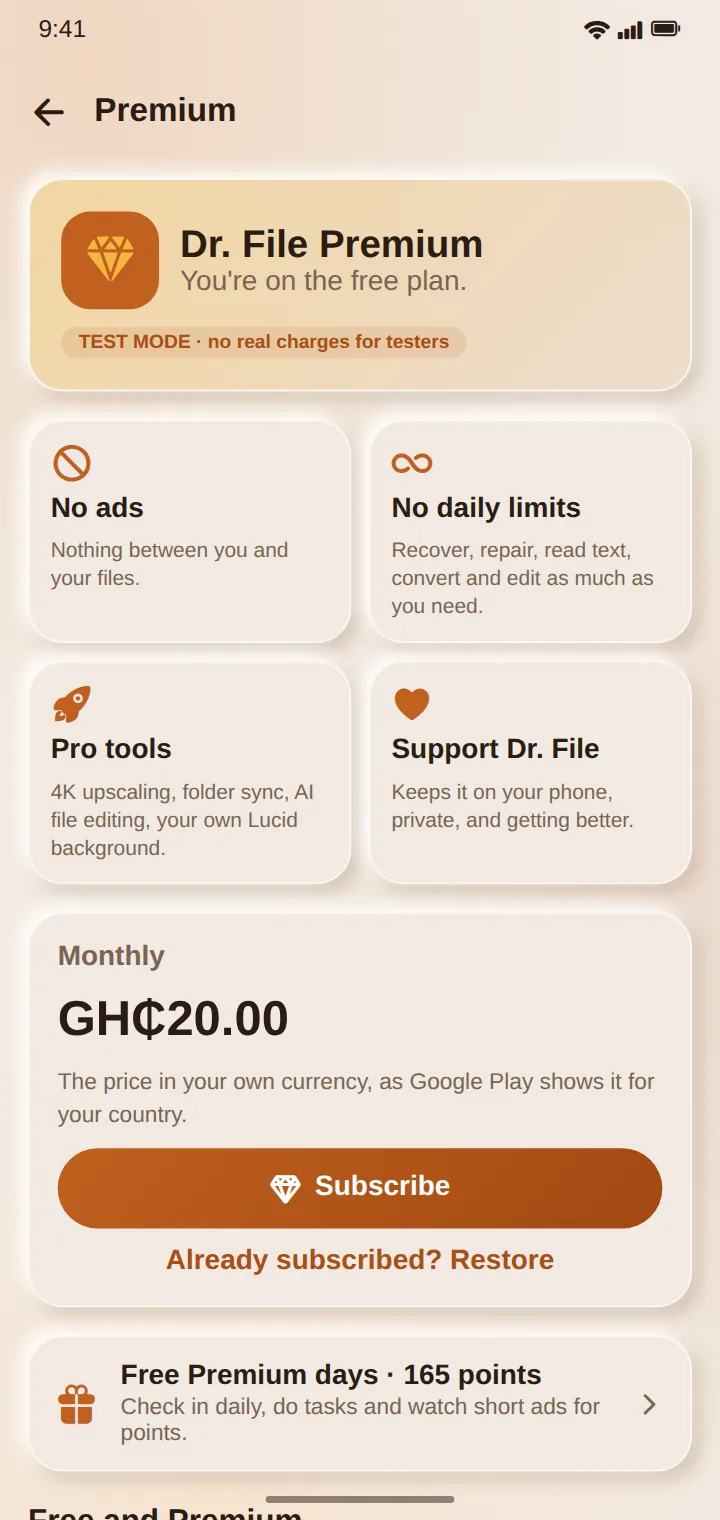
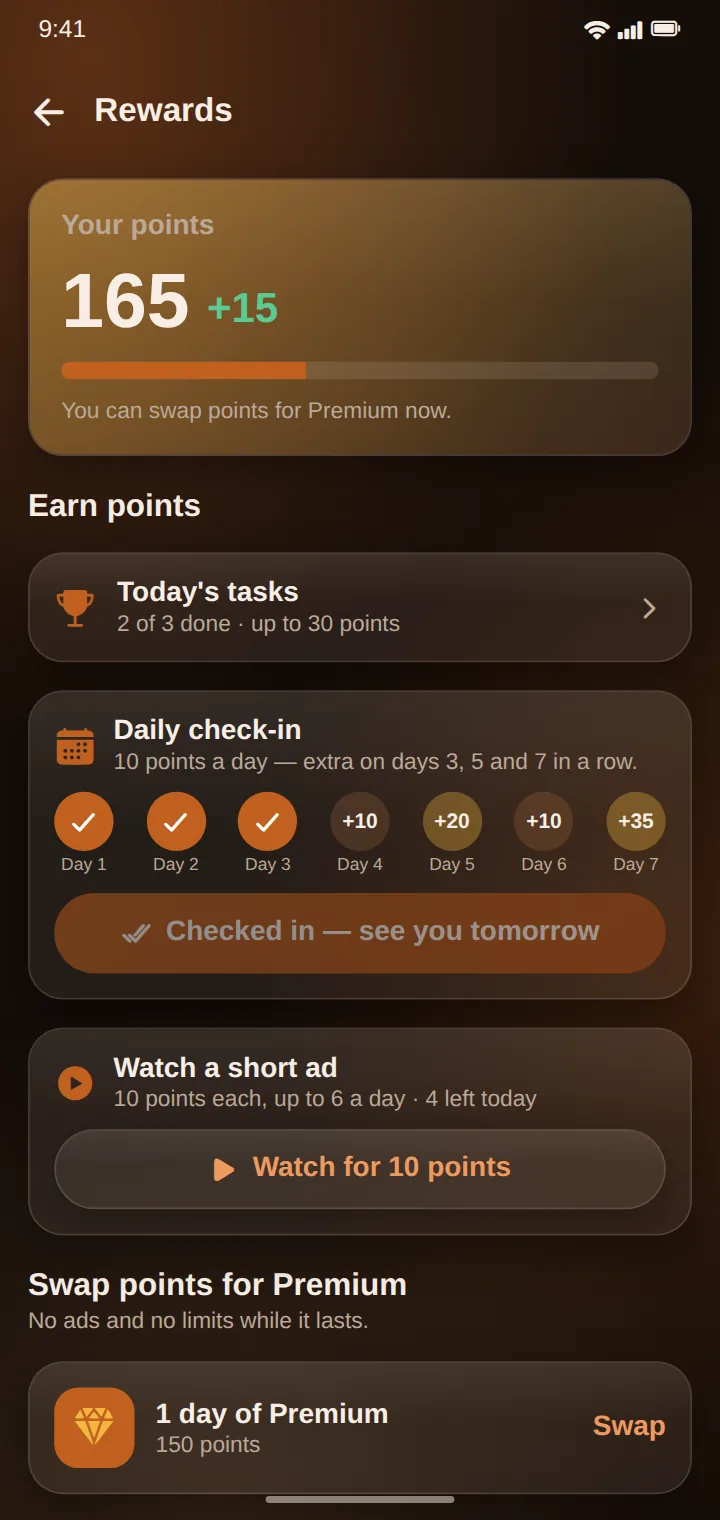
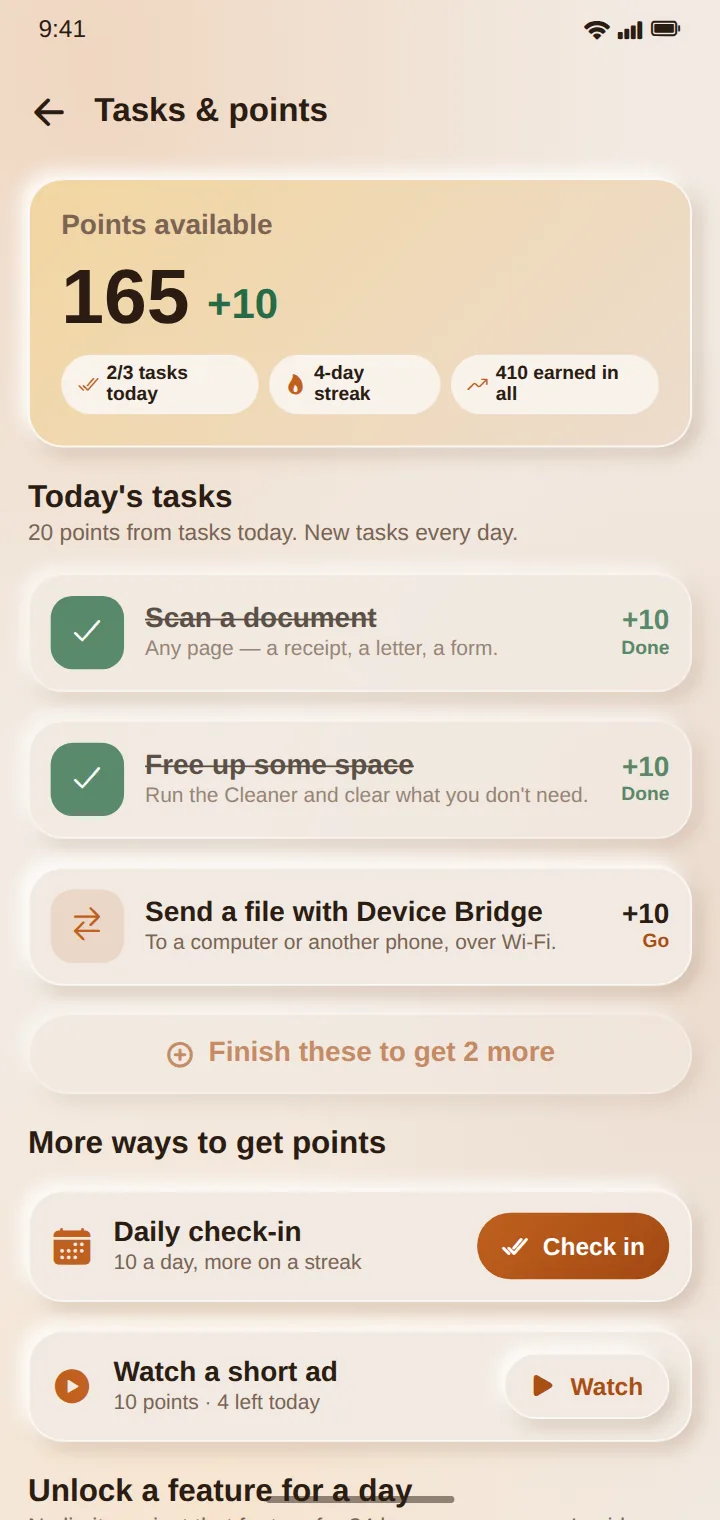
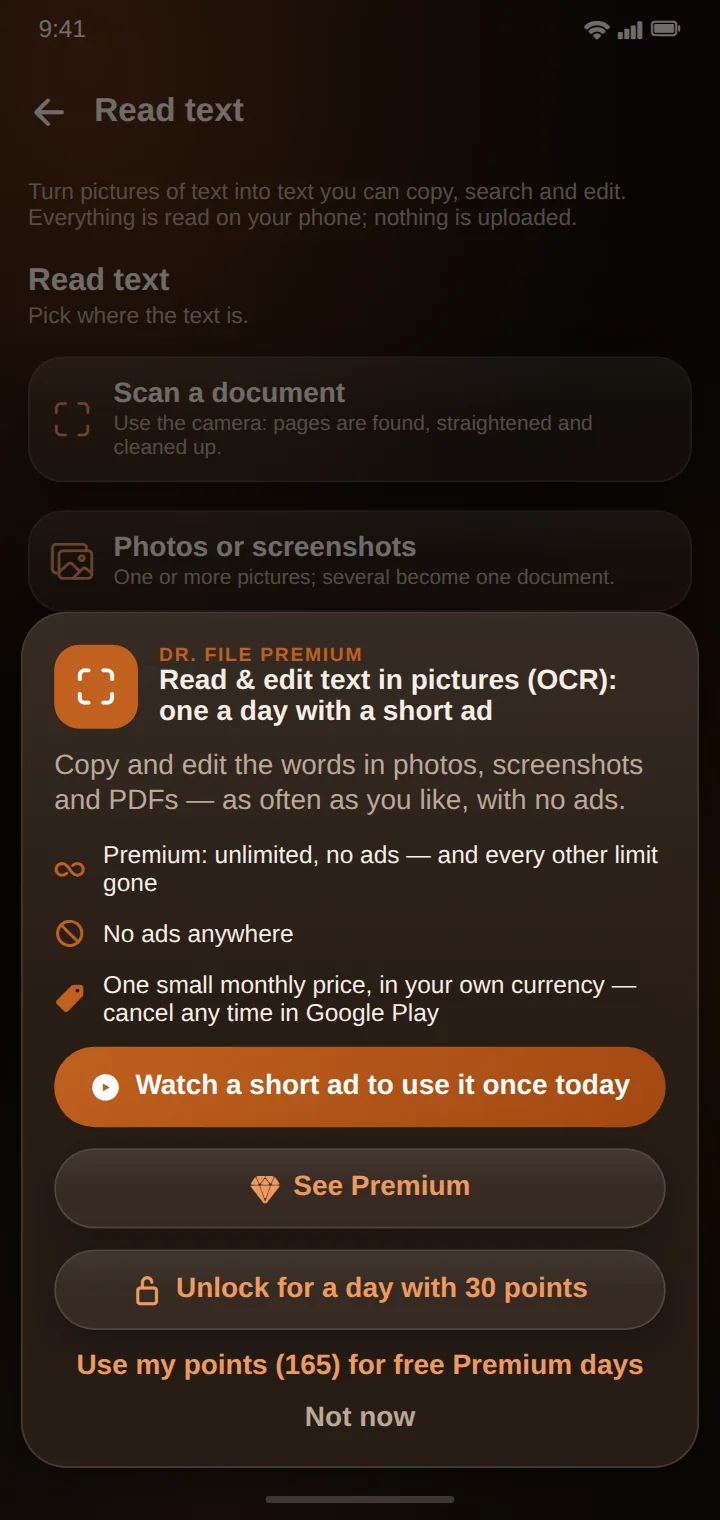
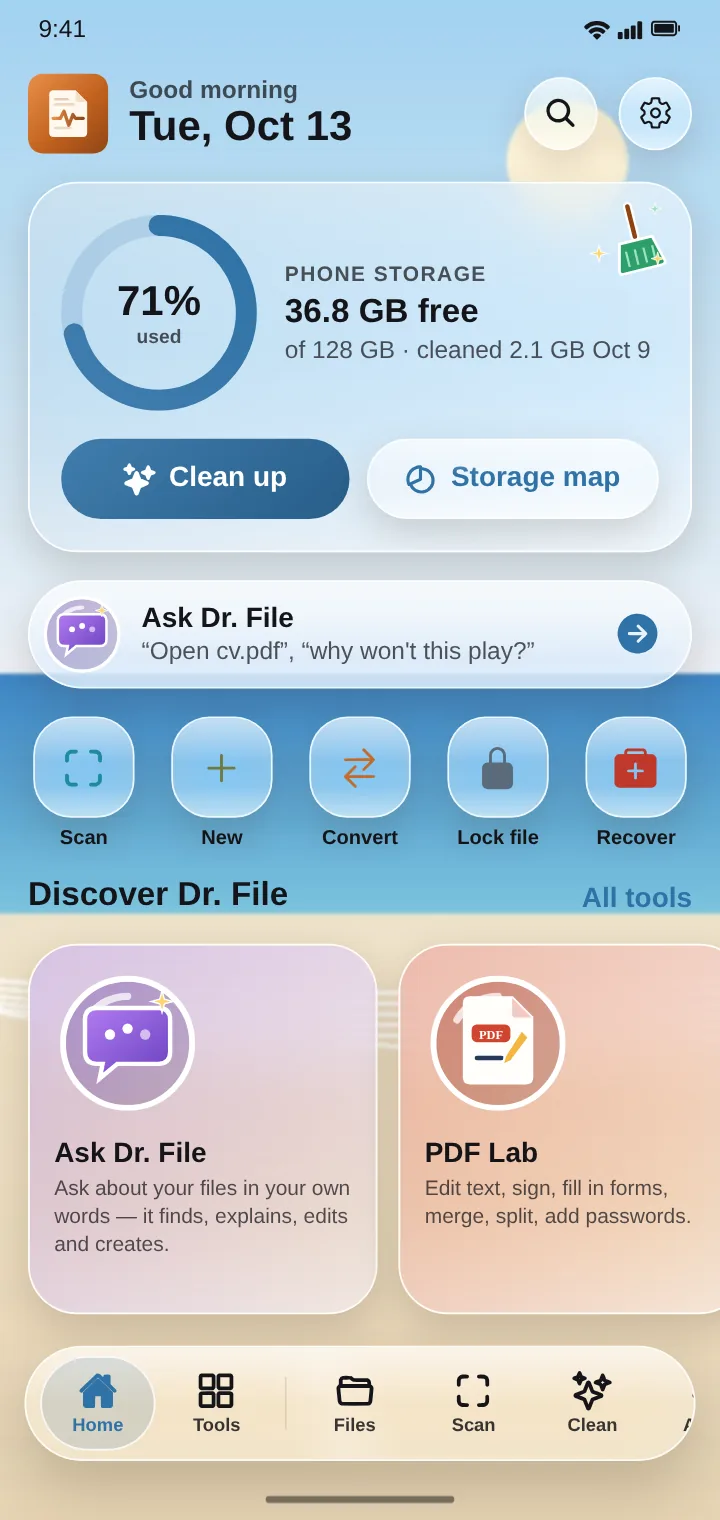
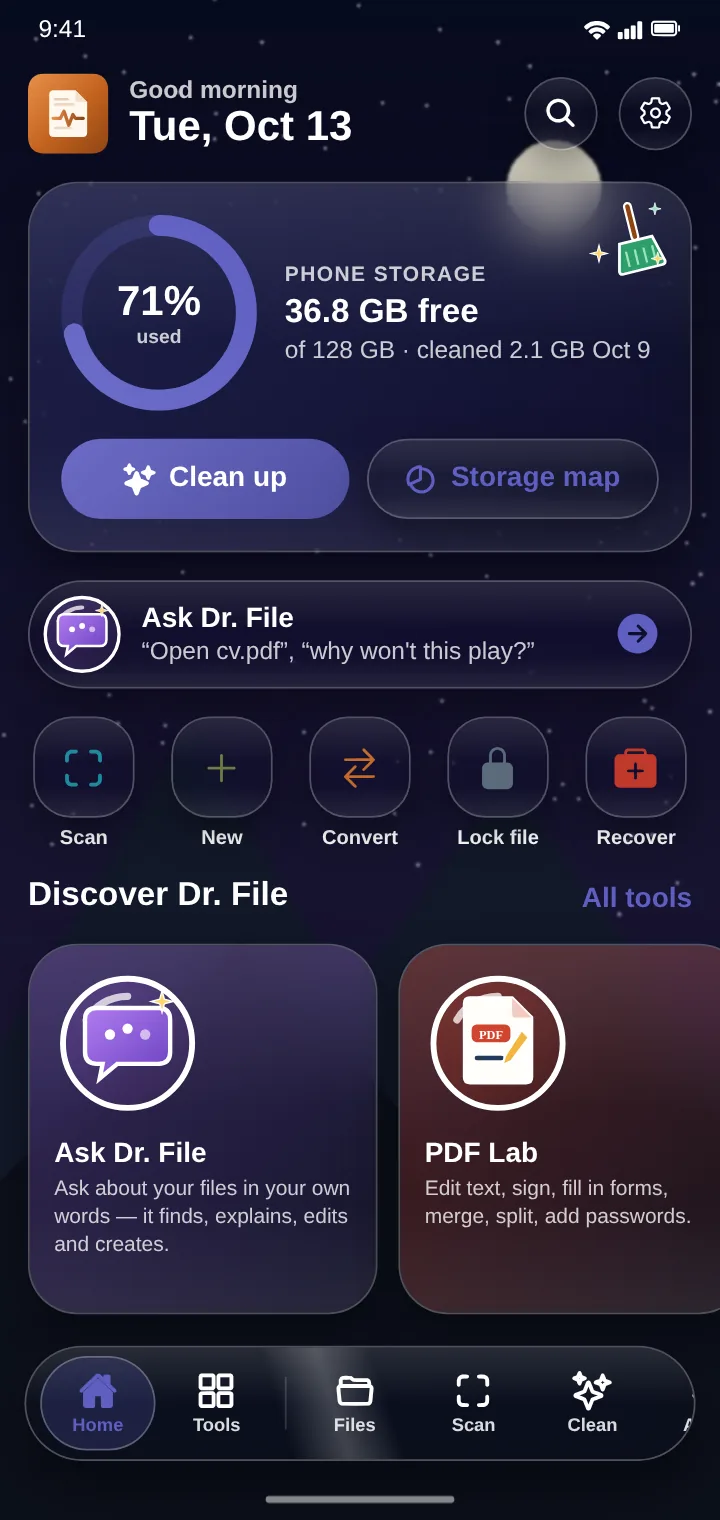
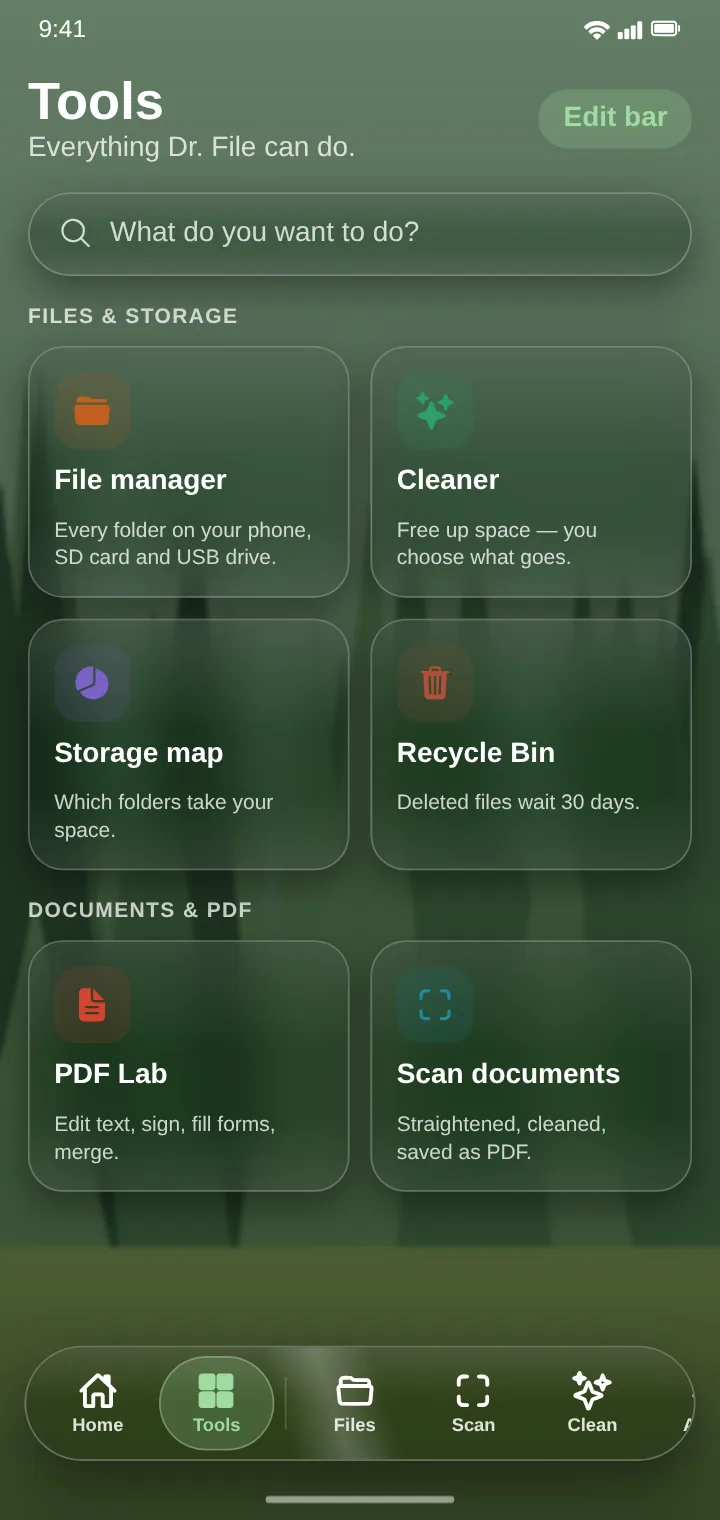
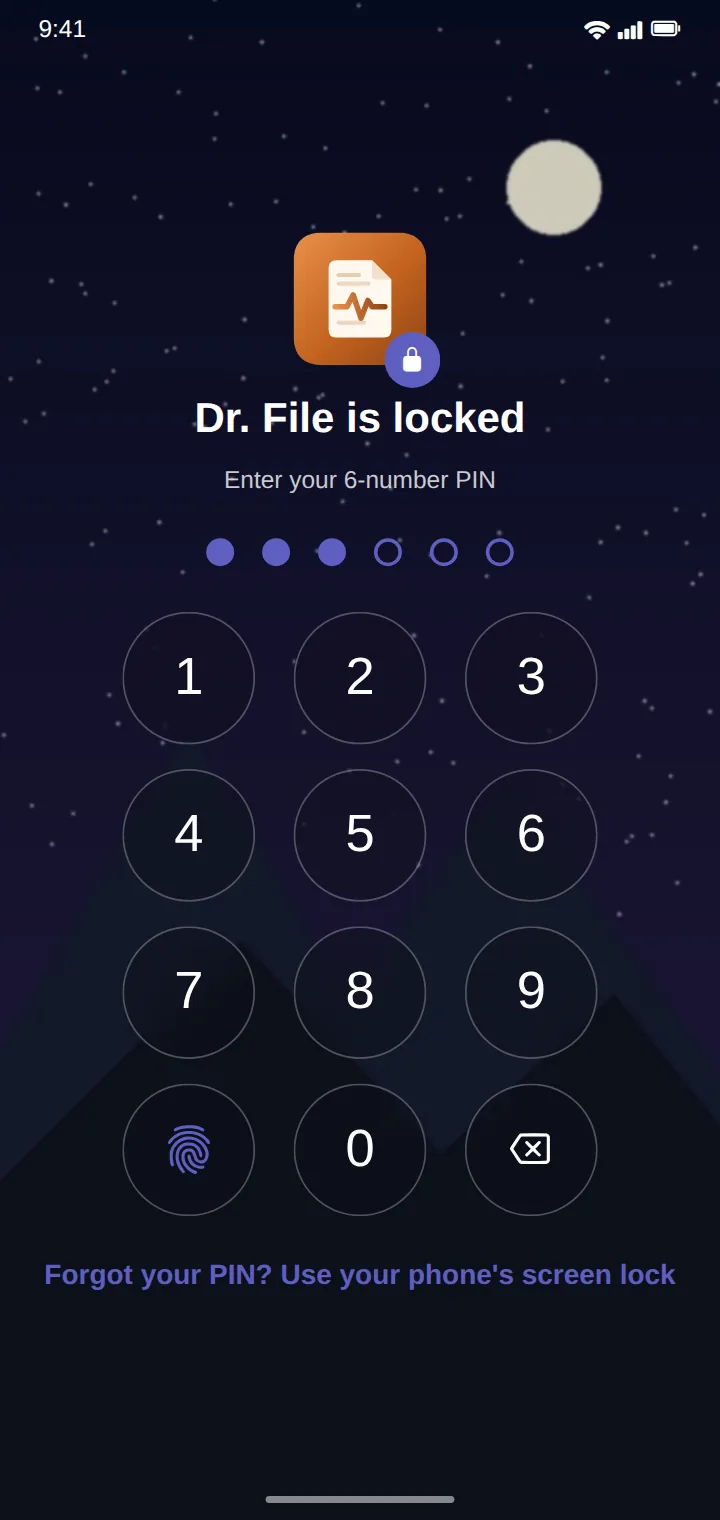
Home — storage and quick toolsHome in the dark themeFile managerCleanerScan documentsSave scans as any type — freeSteganography — hide a message in a fileA hidden message, revealedDevice BridgePremiumRewardsTasks & pointsFree, with choices
/ Lucid theme
Your wallpaper, your theme
Choose Lucid and the whole app takes its light or dark, colours and accents from your phone's wallpaper, with liquid-glass cards over it — free for everyone. Premium (or points) lets you put your own photo or looping video clip behind the glass.
Beach → light and sandyNight sky → deep blueTools over a forestApp lock
/ Features
Everything Dr. File does
File manager
A full file manager that can be your phone's default.
Every folder on the phone, SD card and USB drive
Copy, move, rename, zip and share — checked with checksums, with undo
Smart Inbox for new downloads, Smart rules that keep folders tidy
Archives: look inside zip, 7z and tar, take out just what you need
Recycle Bin: deleted files wait 30 days
Cleaner and storage insights
See what takes your space and why, then clear it safely.
App caches, leftovers, old downloads, big files and duplicates
A storage map, biggest folders first
Storage intelligence: growth over time, explained
You choose what goes; nothing is deleted on its own
Recovery Lab and repairs
For the files you thought were gone, or that won't open.
Recover deleted photos, videos and documents from the phone, a card or a USB drive
Repair videos, PDFs and photos that won't open or are cut short
File health: finds empty, cut-short and wrongly named files
Honest about what can come back, with a confidence for each file
Document scanner and reading text
Paper to clean digital files, and the words out of any picture.
Pages found, straightened and cleaned automatically
Save as PDF, searchable PDF, Word, text, JPG, PNG or TIFF — free
Read the text in photos, screenshots and PDFs (OCR), in many languages
Documents filed by what they say: invoices, receipts, letters
PDF Lab
Do almost anything with a PDF.
Edit the text of a PDF — even scanned pages — in its own font
Sign, fill in forms, merge, split, reorder pages
Add or remove passwords
Turn web pages and documents into PDF
Image, Video and Audio Labs
Pro tools for photos, video and sound.
Photos: crop, resize, compress, 19 looks, remove backgrounds and watermarks
Video: trim, merge, compress, subtitles, upscale to 4K
Audio: trim, merge, convert, song details, see the wave
A media player with playlists, gestures and subtitle sync
Steganography
Hide messages or files in another file, or reveal secret files or messages.
Hide a message or a whole file in a photo, PDF, video, song or document
It still looks and opens the same in every other app
Lock it with a password
Reveal what someone hid for you — only Dr. File can read it
Device Bridge
Send files between devices over Wi-Fi — no internet, no cable.
To another phone with Dr. File, or any computer, iPhone or iPad with a browser
Pair by scanning a QR code
Every file checked on arrival
Send your installed apps as .apk files
Dr. File AI
Ask about your files in your own words — on the phone.
“Find the PDF about my rent”, “why won't this video play?”
Explains, finds, converts and creates documents
Premium: edits words, dates and details in your own files
Runs on your phone; nothing is sent to a server
Privacy and security
Keep private files private.
Vault: files encrypted behind your PIN or fingerprint
Lock any file with a password (AES-256)
App lock: PIN or fingerprint before Dr. File opens
Remove location and camera details from photos before sharing
Free, with optional Premium
Free with a few light ads and daily allowances on the pro tools.
Premium: no ads, no daily limits, 4K upscaling, folder sync, AI file editing
About GH₵20 a month, priced in your own currency by Google Play
Daily check-ins, tasks and short ads earn points
Points unlock a single feature for a day, or whole days of Premium
/ Use it as
One app, many jobs
File manager for Android
Browse, copy, move, zip and share every file on the phone, SD card and USB drive — it can be your default file manager.
Recover deleted photos
Scan the phone, a memory card or a USB drive for deleted photos, videos and documents and get them back.
Fix a video that won't play
Repair videos, PDFs and pictures that won't open or were cut short.
Document scanner
Scan receipts, letters and forms with the camera into PDF or editable Word — free.
Edit PDF text
Change the words in a PDF, even a scanned one, in the document's own font.
Free up storage
Clear caches, leftovers, duplicates and big files you no longer need, and see what's growing.
Send files to a PC without a cable
Device Bridge sends files to a computer or another phone over Wi-Fi, no internet needed.
Hide a secret message in a photo
Hide a message or file inside a photo, PDF or video and send it — only Dr. File can reveal it.
Convert files
Word to PDF, video to MP3, HEIC to JPG and many more, on the phone.
Yes. It's free with a few light ads, and some pro tools have a daily allowance on the free plan (for example 3 recovered files, 3 conversions and 2 steganography messages a day). Premium removes the ads and the limits. Scanning documents and saving scans as other file types is always free.
Are my files uploaded anywhere?
No. Dr. File works on the phone itself. Your files, their contents and what Dr. File reads in them are never uploaded. There's no account.
Can Dr. File recover deleted photos?
Often, yes — from the phone's own leftovers, a memory card or a USB drive. How much comes back depends on whether the space has been used again; Dr. File shows a confidence for each file before you recover it.
What is steganography in Dr. File?
Hiding a secret message or a whole file inside another file — a photo, PDF, video, song or document — which still opens normally. The person you send it to reveals it in their own Dr. File, with a password if you set one. Free users can hide or reveal 2 a day; Premium has no limit.
How do I get Premium for free?
Check in daily, finish the day's tasks (like scanning a document or sending a file with Device Bridge) and watch a few short ads for points. Points unlock one feature for a day, or whole days of Premium.
Which languages does Dr. File support?
English, Chinese, Hindi, Spanish, French, Arabic, Bengali, Portuguese and Russian.
When is Dr. File on Google Play?
It's in testing on Google Play now and will be published soon. This page will have the download button when it's out.
Get Dr. File
Free on Android, with a few light ads — or Premium for none and no daily limits. No account, and your files never leave your phone.